



Organise PDF
Merge PDF and Reorder Pages
Reorganise Documents:
The Pages panel allows you to organise pages by simply dragging and dropping page thumbnails within a document or from one document to another.
Manage and Split:
Enables you to delete pages, add pages, swap, flatten, crop, extract, and split PDF pages.
Combine and Merge:
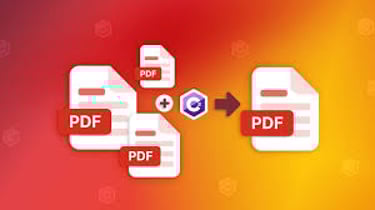
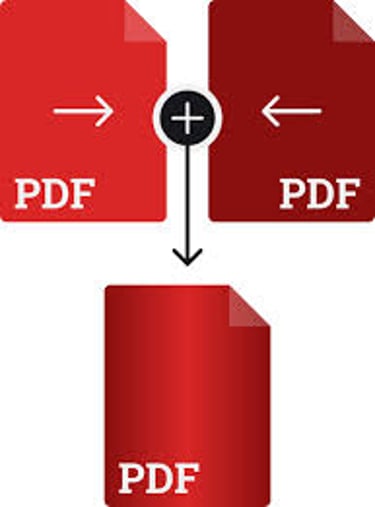
Adds, deletes, combines, or merge PDF pages from multiple files to create new documents. Print PDF sections/pages directly from selected bookmark(s).
Compare PDF Documents:
Uses colour to highlight the differences between two PDF documents to help you identify what has been changed quickly and easily.
Search for PDFs by Content:
Bundled search and index plug-in to Windows desktop search enables PDF search by content, title, subject, author, keywords, annotations, bookmarks, attachments, and more.
Edit PDF Text Format:
Edit PDF text by changing font type, style, size, colour, and effect. Align text left, centre, or right, while choosing from multiple line spacing options.
Bates Numbering:
Place identification on documents as they are scanned or processed.
View Documents Side by Side:
Create “tab groups” within a single window of PDF Editor. These groups are shown side by side, so the two documents can be viewed within a single window.
Dynamic Watermarks:
PDF Editor Dynamic Time Watermarks feature enables users to effortlessly integrate the current date time into their document watermarks. Dynamic watermark feature specifically benefits individuals involved in validating and certifying documents, ensuring precision in time stamping for heightened reliability and accountability throughout the certification process.

SALES & Support
SUBSCRIBE US
Email: sales@turbopdf.co.uk
WhatsApp Chat: +44-7548884767
© 2026. All rights reserved. TurboPDF
Products
TurboPDF v4 - Lifetime
TurboPDF v4 - Annual
TurboPDF v4 - Enterprise
TRUST CENTERS
POPULAR FEATURES
AI Assistant
PDF Creator
PDF Software
Edit PDF
Split PDF
Annotate PDF
Scan to PDF
Sign PDF
Protect PDF
Accessibility
Foxit Compliance
OCR
Conversion Tools
Security and Protection
Forms and Signatures
Document Collaboration
PDF SOLUTIONS
Paperless Office
PDF Accessibility
Education Solutions
Government Solutions
Banking Solutions
Insurance Solutions
Legal Solutions
Healthcare Solutions
Manufacturing Solutions
IT Services
Address: 40-43 Jewry Street, Winchester, SO23 8RY, United Kingdom